Understanding Free Live Streaming Options
In today's digital landscape, live streaming has become an essential tool for sharing events, whether they are community gatherings, concerts, conferences, or local performances in Miami. There exists a range of free platforms and tools that enable organizations, content creators, and individuals to broadcast their events without incurring significant costs. These options are accessible, easy to use, and capable of delivering high-quality streams, making them ideal for those who want to reach audiences in real time while managing budgets effectively.
One of the most popular free platforms for live streaming is YouTube Live. Known for its extensive reach and robust infrastructure, YouTube allows users to broadcast live with minimal setup. Content can be streamed directly from a computer or mobile device, and viewers can participate via live chat features. YouTube’s scalability makes it suitable for small local events or larger community programs in Miami, providing a seamless streaming experience.
Facebook Live is another prominent tool favored by many for its ease of use and integration with social media. It enables event organizers to connect directly with their community, fostering interactive engagement. Facebook Live supports high-definition streaming and offers tools for audience interaction, such as comments and reactions, which can significantly enhance viewer participation.
In addition, platforms like Twitch and LinkedIn Live serve specialized audiences and professional settings, respectively, broadening the options for live event broadcasting. For those seeking a straightforward approach, platforms like StreamYard and Restream offer free tiers that facilitate multi-platform broadcasting, allowing users to expand their reach by simultaneously streaming to multiple channels such as Facebook, YouTube, and others.
Beyond mainstream platforms, there are also dedicated live streaming services offering free plans with essential features. These include services like OBS Studio and Streamlabs, which are open-source software solutions that provide powerful tools for producing professional-level streams. They support custom overlays, transitions, and multi-source inputs, empowering users to create engaging content with relatively low technical barriers.

Utilizing these tools effectively involves understanding their strengths and limitations. For instance, while YouTube and Facebook are free and widely accessible, they may have restrictions on stream length or features without paid upgrades. Open-source software like OBS offers extensive customization but requires some technical proficiency. Therefore, selecting the right combination of platforms and tools depends on the specific needs, audience size, and technical capabilities of the event organizers.
Another critical consideration is ensuring a stable internet connection. Stream quality and reliability directly impact viewer experience, especially when using free streaming options that rely on existing network infrastructure. Preparing for potential technical issues by testing equipment and connections beforehand is essential to deliver a smooth live event.
Understanding Free Live Streaming Options
When planning to broadcast an event without incurring additional costs, selecting the appropriate free live streaming platforms and tools is crucial. Multiple avenues are available to ensure your content reaches your audience effectively, whether through well-established social media channels or specialized live streaming services.
Popular Platforms for Free Live Streaming
- Facebook Live: As one of the most accessible platforms, Facebook Live allows direct engagement with followers. It supports live video broadcasts with features for viewer interaction, such as comments and reactions. Ideal for community-based events, casual gatherings, or promotional sessions.
- YouTube Live: Known for its vast user base, YouTube offers reliable streaming with options for high-definition video. It supports longer broadcasts and provides analytics to track viewer engagement, making it suitable for larger or more formal events.
- Instagram Live: Best suited for shorter, more informal sessions, Instagram Live integrates seamlessly with Stories. It's effective for real-time engagement and reaching followers on mobile devices.
- Twitter Spaces and Periscope: These platforms facilitate live audio and video streaming, useful for discussions, panels, or Q&A sessions with audiences active on Twitter.
Dedicated Free Streaming Tools
Independent software solutions provide greater control over the production quality of your live streams. Open-source programs like OBS Studio and Streamlabs are popular choices that support professional features without associated costs:
- OBS Studio: An open-source software offering extensive customization, multi-source input management, and scene switching. It requires a moderate understanding of streaming setups but empowers producers to craft polished broadcasts.
- Streamlabs: Built upon OBS, Streamlabs simplifies the streaming process and integrates built-in tools for alerts, overlays, and chat management. Its user-friendly interface is recommended for beginners aiming for professional-looking streams.
Key Considerations for Choosing Your Streaming Approach
While free options are appealing, assessing their strengths and limitations ensures your live event runs smoothly. Factors to evaluate include:
- Audience Size: Large audiences benefit from platforms with higher bandwidth capabilities and lower latency, such as YouTube or Facebook.
- Content Type: Interactive sessions or high-quality broadcasts may require software that offers advanced production features.
- Technical Skills: More customizable platforms may necessitate a higher degree of technical proficiency, whereas streamlined tools are better for quick setup.
- Connectivity: A stable internet connection is vital. Testing your setup before the event minimizes disruptions caused by network issues.
By aligning your event’s goals with the capabilities and limitations of available free streaming options, you can maximize engagement while managing costs effectively. Combining social media platforms with robust streaming tools allows you to tailor your approach to meet the unique needs of your audience and event format.
Detailed Setup for a Seamless Live Stream
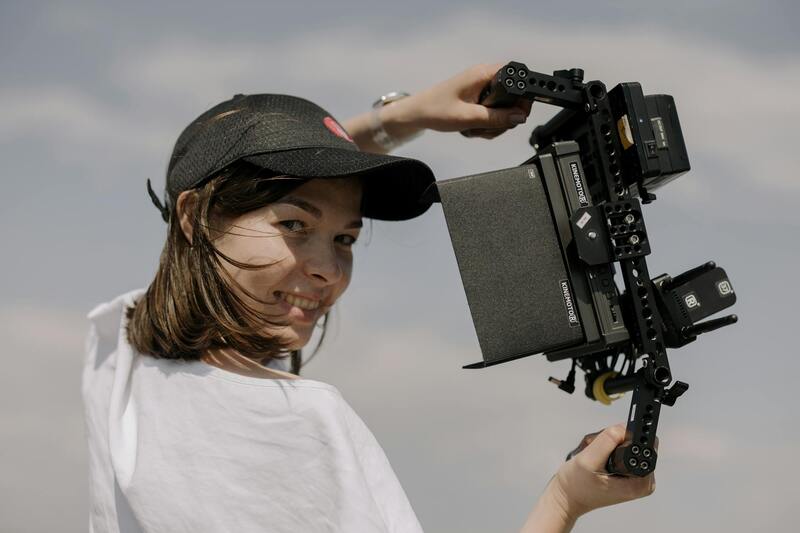
Executing a successful live stream involves meticulous preparation of both content and technical elements. First, selecting the appropriate camera equipment is fundamental. For most live events, an HD webcam or camcorder with stable mounting options suffices, especially when streaming from a fixed location. Investing in external microphones or audio interfaces enhances sound quality, which significantly influences viewer engagement. Clear, high-quality audio keeps the audience attentive and ensures your message is effectively communicated.
Optimizing Internet Connectivity
A reliable and high-speed internet connection forms the backbone of a successful live stream. Broadband connections offering consistent upload speeds of at least 5 Mbps are recommended for standard HD streaming; higher speeds guarantee smoother broadcasts, especially when overlaying graphics or multiple camera feeds. Conducting pre-event bandwidth tests helps identify potential bottlenecks, enabling you to make adjustments beforehand. If multiple users access the same connection, consider using wired Ethernet connections over Wi-Fi, as wired links tend to be more stable and less prone to interference.
Creating Engaging Content
Content planning involves outlining your event flow meticulously. Establish key segments, prepare visual aids and overlays, and rehearse transitions to maintain a professional appearance. Incorporate interactive elements such as Q&A sessions or polls to foster engagement. Having contingency plans for technical hiccups—like backup internet options or alternative content sources—ensures resilience during unforeseen disruptions. Consistent branding through logos, theme colors, and on-screen graphics enhances your event's visual consistency.
Streamlining Technical Setup
Utilizing free streaming platforms that support multi-source inputs allows you to integrate various media formats effortlessly. Open-source software dedicated to live streaming, such as OBS Studio, enables real-time scene switching, overlays, and audio mixing—all without cost. Configuring scenes before the event simplifies production flow, and testing all equipment and connections minimizes last-minute issues. Documenting your setup process and creating checklists streamline the process, especially if multiple organizers are involved.
Maintaining an Organized Workflow
Assigning roles among team members ensures each aspect of the stream is managed efficiently. For instance, designate a technical lead to monitor hardware and internet status, a producer to handle scene changes, and a moderator to manage audience interaction. Using chat management tools helps keep communications organized, enabling quick responses to viewer questions or technical concerns. Scheduling rehearsals, especially for complex setups, allows the team to familiarize themselves with the workflow and troubleshoot potential problems proactively.
Maximizing Audience Engagement During Live Stream Events
Active interaction with viewers is essential to drive engagement and enhance the overall experience of your live stream. Utilizing built-in chat features on streaming platforms allows real-time communication, fostering a sense of community among viewers. Encouraging viewers to participate through prompts and questions makes the content more interactive and keeps audience interest high. Additionally, integrating live polls can provide immediate feedback about audience preferences, boosting engagement and involvement.
Real-time social media integration is another effective method to expand your reach during a live event. Sharing behind-the-scenes moments, short clip highlights, or viewer comments across platforms like Twitter, Facebook, and Instagram invites wider participation and keeps the momentum going outside the original stream. This cross-platform engagement not only attracts new viewers but also encourages existing ones to stay connected throughout the event.
Furthermore, leveraging reaction features—such as emojis or applause indicators—gives viewers a simple way to express their feelings in real time, fostering a lively atmosphere. Many free streaming platforms support these interactive elements without extra costs, making them accessible tools for increasing viewer involvement. Consistent acknowledgment of audience contributions, whether by addressing comments or incorporating viewer questions into the content, creates a more personalized and engaging environment.
Effective Promotion Strategies for Free Live Streaming Events
Promoting your live stream effectively requires a strategic approach to reach your target audience without financial investment. Start by creating a compelling event announcement that clearly highlights the date, time, and value of your stream. Utilize your existing online presence—such as social media platforms, email lists, and community groups—to share your promotional content widely.
Scheduling and consistency also play vital roles in successful promotion. Regularly posting reminders leading up to the event helps build anticipation and ensures your audience remembers to tune in. Collaborate with online communities or forums related to your event’s niche; sharing information within relevant groups can attract viewers genuinely interested in your content.
One of the most powerful free promotional methods involves utilizing the platform's built-in sharing features, encouraging viewers to invite friends and share the stream link across their personal networks. Creating an event page or countdown on social media can generate ongoing interest, especially if updates or teasers are provided regularly. Coupling these efforts with targeted hashtags can also enhance discoverability, ensuring your event reaches a broader audience without added costs.
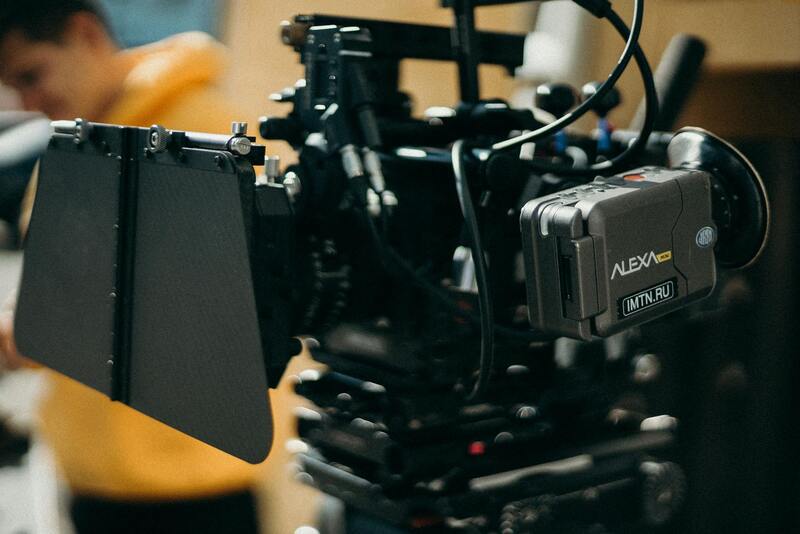
Ensuring a Smooth Technical Setup for Live Streaming
Before your event begins, it is imperative to verify that all technical components are functioning correctly. This includes testing your internet connection for stability and sufficient bandwidth, which is crucial to avoid interruptions during the stream. Use wired connections whenever possible to ensure consistent connectivity, as Wi-Fi can sometimes be unreliable.
Next, evaluate your streaming hardware and software. A standard high-quality webcam and microphone can significantly improve audio and video clarity. Many free streaming platforms are compatible with popular software like OBS Studio or Streamlabs, which offer advanced features such as scene transitions and overlays to enhance viewer experience.
Configuring your encoder settings appropriately can also optimize stream quality. Adjust resolution, bitrate, and frame rate according to your internet speed and the capabilities of your broadcasting device. Conduct a test run by streaming privately to a designated account or to a secondary channel to troubleshoot any potential issues.
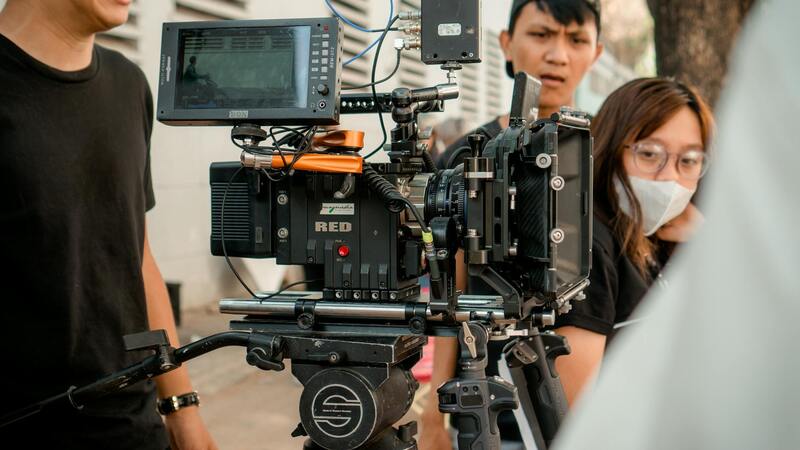
Understanding Free Live Streaming Options
When exploring free live streaming opportunities, it is essential to identify reliable platforms that provide comprehensive features without cost. Many reputable services cater to a variety of event types, including webinars, concerts, religious services, and community gatherings. These platforms typically offer intuitive interfaces, scalable viewer capacities, and essential broadcasting tools, all accessible without financial investment. Additionally, they often support live chat, viewer analytics, and multimedia integration, allowing organizers to maintain engagement and monitor performance effectively.
Popular options include dedicated live streaming platforms that have built-in features for scheduling, promotional tools, and audience interaction. Many of these platforms also offer mobile compatibility, enabling content sharing directly from smartphones or tablets. It is advisable for event organizers to review each platform’s capacity for simultaneous viewers to ensure their anticipated audience can access the stream without degradation. Furthermore, platforms that support embedding streams into existing websites or social media pages increase the event's reach and visibility.
Choosing the Right Platform for Your Event
- Assess Platform Capabilities: Ensure the platform supports the desired stream quality, viewer capacity, and necessary media formats.
- Compatibility and Accessibility: Check that the platform is accessible across devices and operating systems, including desktops, tablets, and smartphones.
- Engagement Features: Look for integrated chat, polls, and viewer analytics to boost interaction and measure reach.
- Ease of Use: Select platforms with user-friendly interfaces for both organizers and viewers.
- Technical Support: Opt for services offering customer support or comprehensive tutorials to facilitate smooth streaming experiences.
Preparing Content and Technical Setup
Effective live streaming requires thorough preparation of both content and technical configurations. Begin by scripting or outlining your event's flow to ensure clarity and professionalism. Test your microphone, camera, and streaming software to verify functionality and streaming quality. Configuring your encoder settings appropriately can also optimize stream performance. Adjust resolution, bitrate, and frame rate according to your internet speed and the broadcasting device’s capabilities.
Conduct a test run by streaming privately to a designated account or a secondary channel. This pre-event rehearsal helps troubleshoot issues related to connectivity, audio-visual synchronization, or streaming lag. Additionally, preparing backup plans, such as spare cables, alternate internet sources, or secondary devices, minimizes potential disruptions during the live event. Good lighting, tidy backgrounds, and professional framing further contribute to a visually appealing broadcast environment.
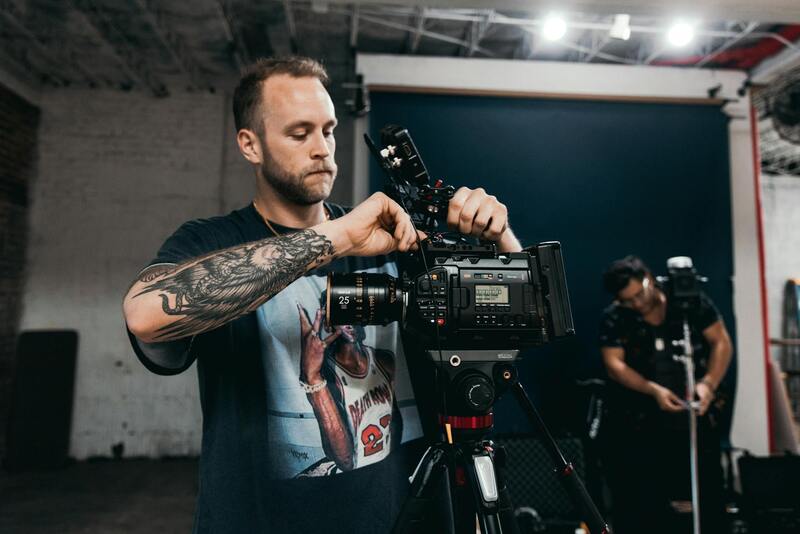
Engaging Your Audience During the Live Stream
Maintaining audience engagement throughout your live event involves active interaction and dynamic presentation. Use chat features to respond to viewer questions in real-time, creating a more interactive experience. Incorporate multimedia elements such as slides, videos, or live demonstrations to keep the content varied and stimulating. Recognize and thank viewers for joining to foster a sense of community and participation.
Monitoring viewer metrics allows organizers to adjust content delivery dynamically, ensuring optimal engagement levels. Incorporate calls to action, such as encouraging viewers to share the stream, participate in polls, or follow related content. Consistently check technical performance to promptly address any streaming issues that might arise, maintaining a smooth viewing experience and reinforcing professionalism.
Promoting Your Live Stream Event for Free
Promotion is crucial to maximize your reach without incurring costs. Leverage your social media channels by creating event pages, sharing teaser content, and encouraging followers to participate. Utilize email newsletters and community bulletin boards to announce upcoming streams, including date, time, and registration instructions if applicable. Collaborate with local organizations or online groups that align with your event's theme to amplify visibility.
Implementing scheduled reminders and engaging visuals can boost audience anticipation and participation. Consider creating QR codes linking to the streaming platform or registration forms so viewers can easily access your event from any device. Engaging in online forums or community boards related to your event topic can further generate interest and attract a targeted audience.
Understanding Free Live Streaming Options
There are numerous legitimate channels available for hosting high-quality live stream events at no financial cost. Many organizations and creators leverage established platforms that provide free streaming services, enabling broad reach without hefty expenses. These options often feature user-friendly interfaces, reliable bandwidth, and integration capabilities that simplify the process of going live. Identifying the most suitable method depends on your content type, audience size, and desired interaction level.
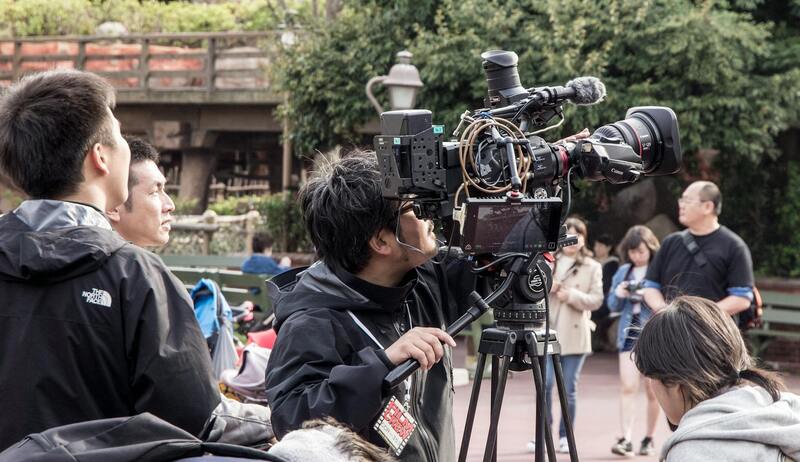
Popular Free Streaming Platforms
- YouTube Live: Offers extensive reach, built-in audience, and robust streaming tools, suited for various event types from seminars to conferences.
- Ideal for community-focused events, enabling seamless sharing within social networks and real-time interaction with followers.
- Although traditionally gaming-oriented, it supports diverse content and active chat features fostering community engagement.
- Best for shorter broadcasts and reaching audiences accustomed to mobile viewing, especially effective for brand promotions and casual events.
- Zoom (Free Tier): Useful for interactive sessions, workshops, and webinars, with options for participant engagement via chat and Q&A features.
Utilizing these platforms allows event organizers to reach targeted demographics effectively, with tools to analyze viewer data and optimize future streams. It's essential to assess each service’s capabilities, audience compatibility, and restrictions, such as time limits or participant caps, to select the best fit for your event.
Utilizing Hosted Streaming Solutions
Beyond social media platforms, several free hosted streaming services cater to specific event types, offering features like multi-camera support, branding customization, and audience interaction tools. Examples include platforms that specialize in corporate webinars, educational workshops, or religious services, providing tailored solutions that enhance professionalism and viewer experience without additional costs.
Implementing Open Source and Freeware Tools
For organizations with technical expertise, open-source software like OBS Studio enables the customization of streams, integration of multiple media sources, and professional-grade production quality. Coupled with free CDN (Content Delivery Network) services to distribute content efficiently, these solutions provide flexibility and control. Combining software and services with stable internet connections ensures a seamless viewing experience for audiences.
Ensuring Quality and Stability
To maximize the benefits of free streaming methods, prioritize stable internet connections, adequate bandwidth, and proper hardware setup. Conduct test runs prior to the scheduled event to identify and resolve potential technical issues. Regularly monitor stream health metrics during the event for prompt troubleshooting, ensuring your content remains uninterrupted and viewers have a positive experience.
Monitoring and Analyzing Your Live Stream Performance
To ensure your live stream events continue to resonate with your audience and meet your organizational goals, it is crucial to implement effective monitoring and analysis practices. This involves tracking various metrics before, during, and after the broadcast to evaluate engagement levels, technical performance, and overall viewer satisfaction.
Utilizing Built-In Analytics Tools
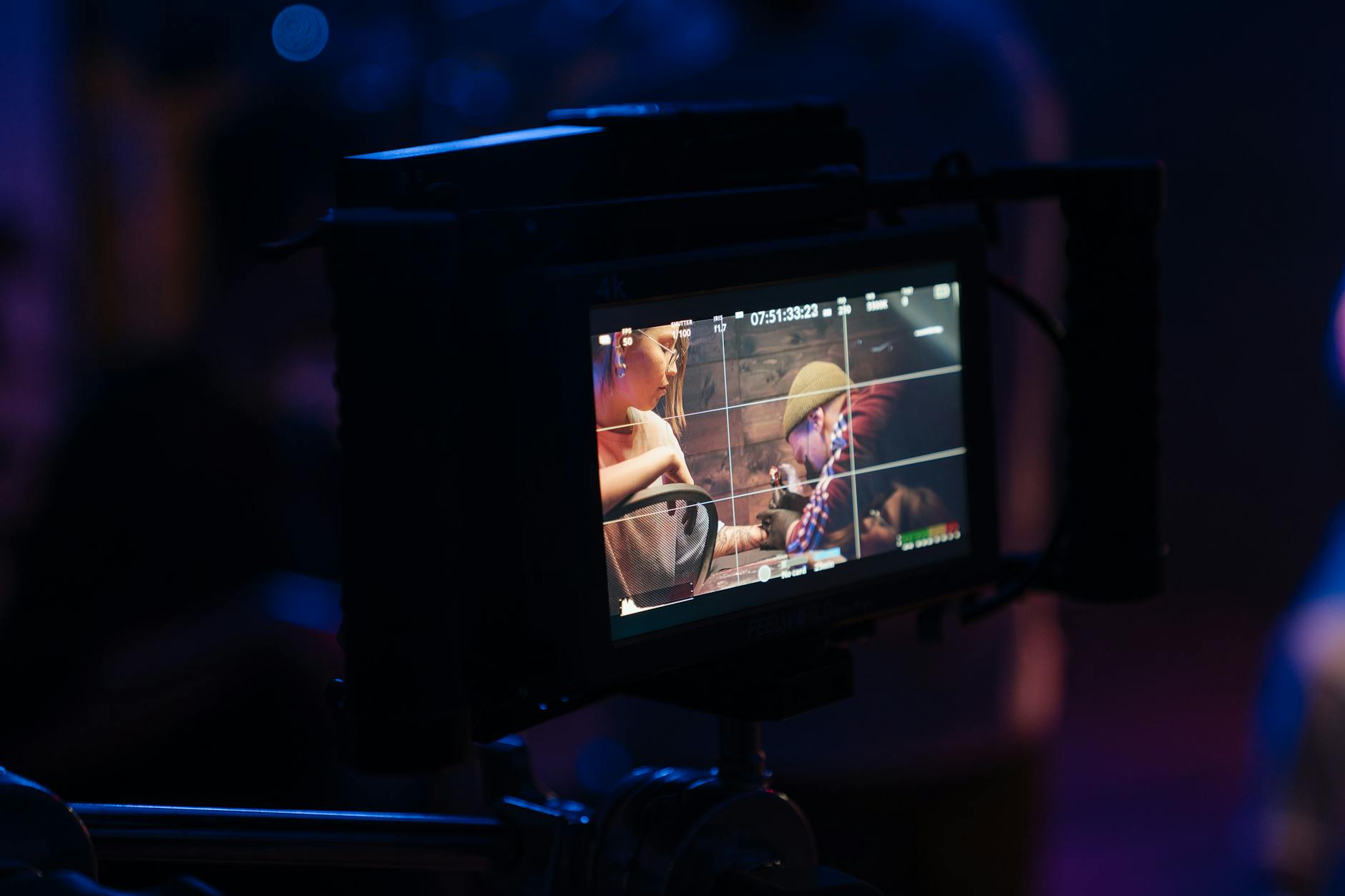
Most reputable streaming platforms incorporate comprehensive analytics dashboards that provide real-time data on viewer count, geographic distribution, watch time, and engagement actions such as comments or shares. For instance, platforms like YouTube Live, Facebook Live, and YouTube Studio enable event hosts to access detailed reports that can inform future event planning.
Assessing Technical Performance
Technical metrics such as buffering rates, stream stability, latency, and audio-video synchronization are vital indicators of your broadcast quality. Regularly reviewing these elements helps identify and resolve issues that could hinder viewer experience. Many streaming solutions provide technical reports that highlight problem areas, allowing you to optimize settings or upgrade equipment accordingly.
Engaging with Audience Feedback
Direct interaction with attendees through live comments, polls, and Q&A sessions fosters engagement and offers valuable insights. Post-event surveys distributed via email or social media channels can measure satisfaction levels, gather suggestions, and identify content preferences for subsequent broadcasts.
Strategies for Post-Stream Analysis
- Compile quantitative data to evaluate reach and engagement trends.
- Review viewer comments for qualitative feedback regarding content relevance and production quality.
- Identify technical issues encountered during the stream and implement solutions for future events.
- Assess promotional efforts' effectiveness based on viewer influx and participation.
Leveraging Insights for Continuous Improvement
The insights gained from detailed analytics and audience feedback form the foundation for refining your live streaming strategy. Adjust your content focus, improve your technical setup, and tailor promotional efforts based on these findings to maximize audience engagement and satisfaction in future free live stream events.